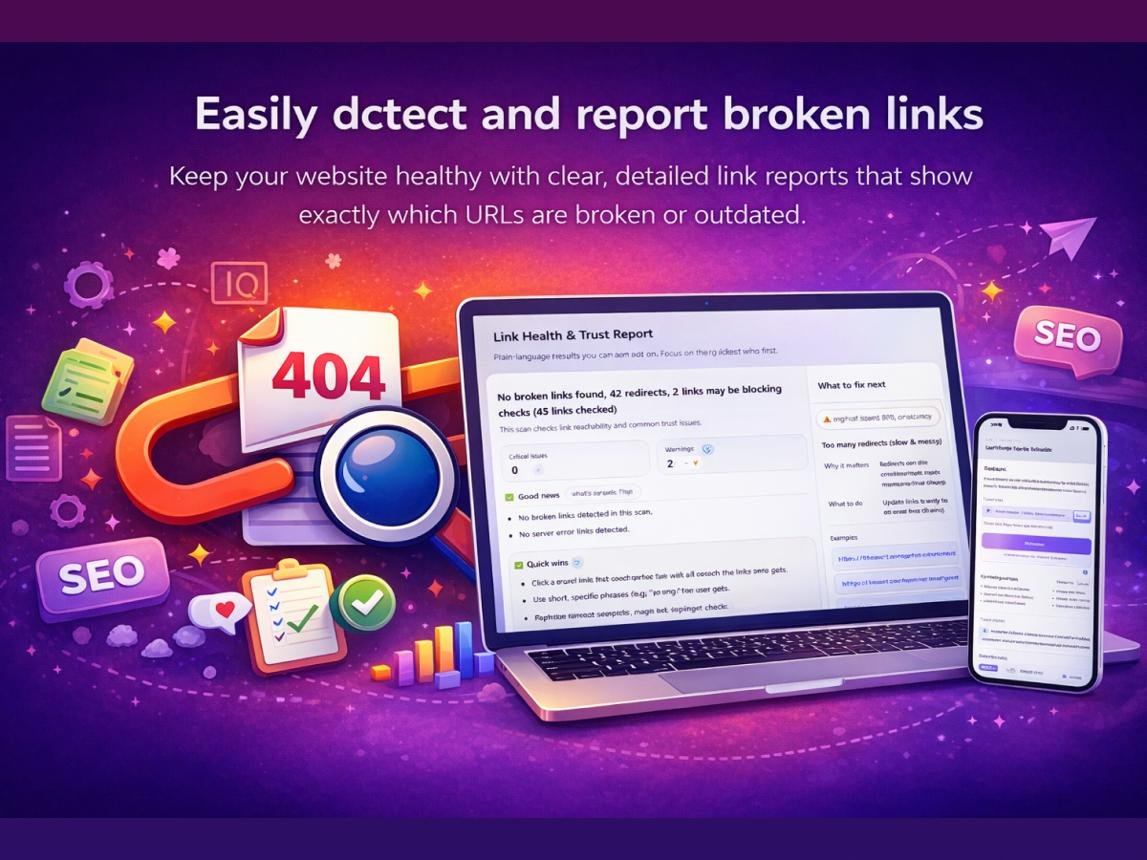
How to Find and Fix Broken Links on Your Website in 2026

How to Find and Fix Broken Links on Your Website in 2026
Broken links are among the most common website maintenance problems. They can frustrate visitors, interrupt navigation, and prevent search engines from discovering useful content through internal links.
Whether you run a blog, an online store, a company website, or a large content platform, checking your links regularly is an important part of website maintenance.
In this guide, we'll explain what broken links are, why they happen, how to find them, and how to repair them without creating additional SEO problems.
What Is a Broken Link?
A broken link is a hyperlink that no longer reaches its intended destination.
For example, imagine your blog links to an article at:
https://example.com/old-seo-guide
If that article was deleted or its URL changed, visitors may encounter an HTTP 404 error when they click the link.
Broken links can occur within your own website or point to external websites.
Internal Broken Links
Internal broken links connect pages within the same website but lead to destinations that are unavailable.
They can create navigation problems and make it harder for crawlers to find important content.
External Broken Links
External broken links point to other websites that have removed, moved, or restricted the linked content.
These issues can reduce the usefulness of articles that rely on external references.
Why Do Broken Links Matter for SEO?
Broken links do not automatically cause a website-wide search ranking penalty.
However, they can create indirect SEO and usability problems.
Poor user experience: Visitors may leave when they cannot access the information they expected.
Interrupted navigation: Broken internal links can prevent visitors and crawlers from reaching related pages.
Lost link value: Internal links pointing to unavailable destinations may fail to support the intended site structure.
Outdated content: Broken references can indicate that articles have not been maintained.
Fixing broken links is therefore a practical website quality improvement.
1. Use a Broken Link Checker
A broken-link checking tool can help identify URLs that return errors or fail to load.
Start with your homepage and important landing pages, then expand your checks to blog posts, resource pages, and navigation menus.
Review the results rather than assuming every reported error represents a permanently broken page.
Some websites temporarily block automated requests or respond differently to browsers and crawlers.
SEO Frequency offers website tools that can support your link-maintenance workflow.
Explore https://seofrequency.com/.
2. Review Google Search Console
Google Search Console provides indexing and crawling information for your website.
Review reports for URLs returning errors and investigate whether important pages have disappeared.
Not every 404 reported by Google requires correction. A URL may legitimately be unavailable because the content was intentionally removed.
Focus on URLs that still receive internal links or have useful replacements.
3. Identify the Original Destination
Before changing a broken link, investigate what it was supposed to display.
Was it a product page, a blog article, a contact form, or a resource?
Understanding the original destination helps determine the most appropriate repair.
A relevant destination is more useful than sending visitors to an unrelated page.
4. Update Incorrect URLs
Sometimes a broken link results from a typing mistake.
Common examples include incorrect spelling, missing characters, an outdated directory path, or an invalid domain name.
When the destination still exists at a different URL, update the hyperlink directly.
This is often simpler than introducing another redirect.
5. Use Permanent Redirects When Appropriate
If a page has moved permanently and has a clear replacement, a 301 redirect can send visitors and search engines to the new location.
For example, an article that moves from /old-guide to /new-guide may benefit from a permanent redirect.
Avoid directing every removed page to your homepage. Redirects should lead to genuinely relevant alternatives.