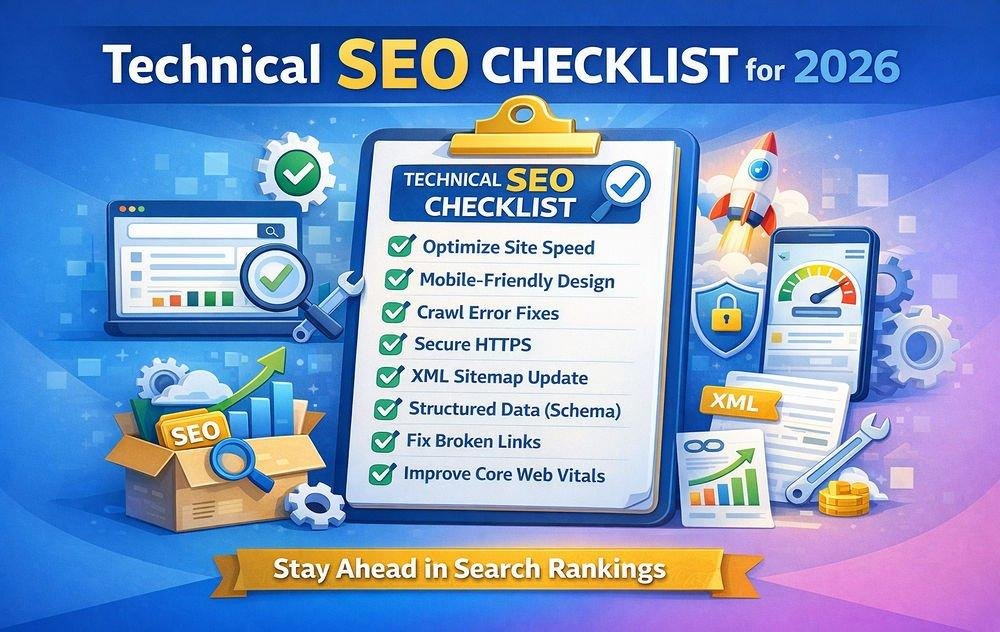
Technical SEO Checklist for 2026: 12 Essential Fixes for a Healthier Website

Technical SEO is the foundation of a website that search engines can access, understand, and index effectively. You might publish outstanding content, but technical problems can prevent important pages from reaching their intended audience.
In this guide, we'll explore twelve practical technical SEO checks that website owners, businesses, and marketers should complete in 2026.
What Is Technical SEO?
Technical SEO focuses on improving the technical infrastructure of a website. Unlike content optimization, which concentrates on the information presented to visitors, technical SEO examines how search engines discover and process that information.
A strong technical foundation supports crawlability, indexing, website performance, mobile usability, and maintainability.
1. Check Your Website's Indexing Status
Start with Google Search Console. Open the Page Indexing report to review which URLs are indexed and which are excluded.
Not every excluded page is a problem. Login pages, duplicate URLs, and deliberately hidden content may not need indexing.
Prioritize valuable pages that should appear in search results but aren't being indexed.
2. Review Your Robots.txt File
Your robots.txt file provides crawling instructions to search engine robots.
Check that it doesn't accidentally block important website sections or resources needed to render your pages.
Remember that preventing crawling and preventing indexing are different activities. A robots.txt restriction is not a reliable way to keep a URL out of search results.
3. Create and Maintain an XML Sitemap
An XML sitemap helps search engines discover important website URLs.
Include canonical, indexable pages that you want search engines to consider. Avoid listing broken URLs, unnecessary redirects, and pages deliberately excluded from indexing.
Submit the sitemap through Google Search Console and update it as your website changes.
4. Fix Canonical URL Problems
Multiple URLs can sometimes display substantially similar content.
Canonical signals help search engines understand which version you prefer.
Inspect product variants, filtered pages, URL parameters, HTTP and HTTPS versions, and www versus non-www addresses.
Use consistent internal links and canonical URLs to reduce confusion.
5. Improve Website Loading Performance
Slow-loading pages can frustrate visitors and affect their experience.
Review image sizes, server response times, unnecessary JavaScript, render-blocking resources, and caching.
Measure results before and after making changes. Fixing the largest bottleneck is usually more useful than applying every optimization suggestion indiscriminately.
6. Optimize for Mobile Devices
Your website should remain readable and usable across phones, tablets, and desktop computers.
Check navigation menus, buttons, responsive images, forms, and content spacing.
Avoid designs that require horizontal scrolling or make interactive elements difficult to select.
7. Identify Broken Internal Links
Broken links create dead ends for visitors and crawlers.
Review links pointing to deleted pages, incorrectly typed URLs, and outdated content.
Update them to useful destinations. When a page has permanently moved, implement an appropriate permanent redirect.
8. Review Redirect Chains
A redirect is sometimes necessary, particularly when changing URLs or migrating websites.
However, long chains of redirects can add unnecessary requests.
Whenever possible, link directly to the final destination and remove redundant redirect steps.
9. Inspect Titles and Meta Descriptions
Every important page should have a descriptive title that accurately represents its content.
Review missing, repeated, or misleading titles.
Meta descriptions can help explain a page's relevance in search snippets, although Google may generate different snippets based on the user's query.
10. Validate Structured Data
Structured data helps search engines interpret certain types of information on a webpage.
Where appropriate, test supported markup with Google's Rich Results Test.
Ensure the structured data reflects visible page content and follows the requirements for the relevant search feature.
11. Strengthen HTTPS and Website Security
Verify that important pages use HTTPS and that your SSL certificate is valid.
Review unexpected mixed-content warnings and insecure resources.
Keep your Laravel framework, themes, and other software dependencies maintained through carefully tested updates.
A secure website helps protect visitors and makes the browsing experience more trustworthy.
12. Monitor Technical SEO Continuously
Technical issues can appear after redesigns, content updates, migrations, or application deployments.
Schedule periodic checks for broken links, indexing changes, website availability, and performance regressions.
Use the resulting reports to prioritize problems based on their impact rather than merely the number of warnings.
How SEO Frequency Can Help
SEO Frequency provides website analysis and supporting tools for reviewing technical website conditions.
Explore its sitemap, meta tag, SSL, mobile testing, broken-link, and other SEO utilities to support your optimization workflow.
Visit https://seofrequency.com/ to get started.
Conclusion
Technical SEO works best as an ongoing maintenance process rather than a one-time checklist.
Begin with accessibility and indexing problems, improve usability and performance, and revisit your results regularly.
By addressing these twelve areas, you can establish a more reliable foundation for content discovery and organic search visibility.